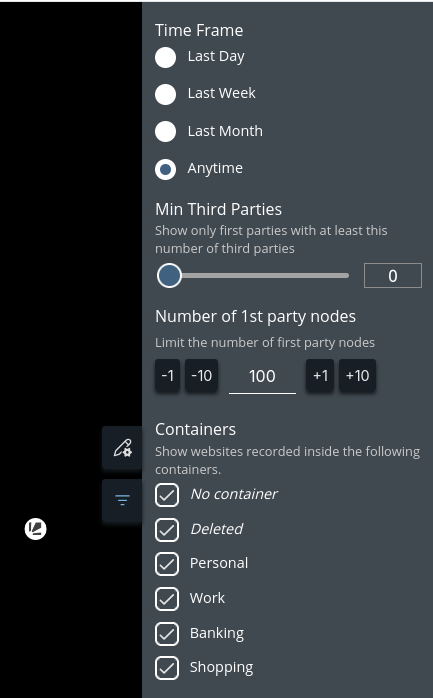
A new version of Lightbeam is available and it allows you to filter requests by the containers they were recorded in.
Maybe you didn’t notice it before but you can enable the last option in the general settings so requests of website you visit inside containers will also be recorded:
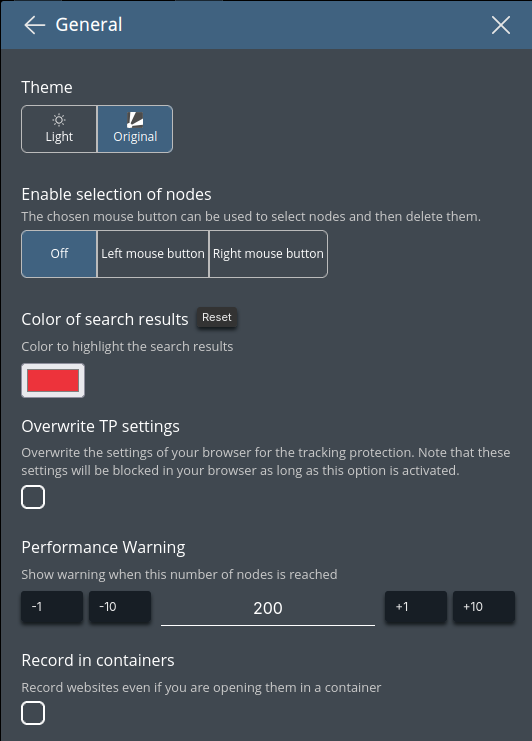
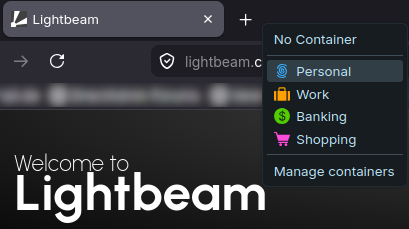
After you enabled that option visit some websites that you open inside the containers of Firefox.
When the option “Record in containers” is active you can now use the filters in the sidebar on the right side to show only websites that were recorded in specific containers. The first two filter options are special. The first one - “No container” stands for websites that were recorded in “normal” tabs. As the name says the option “Deleted” represents all containers that were deleted in the mean time.